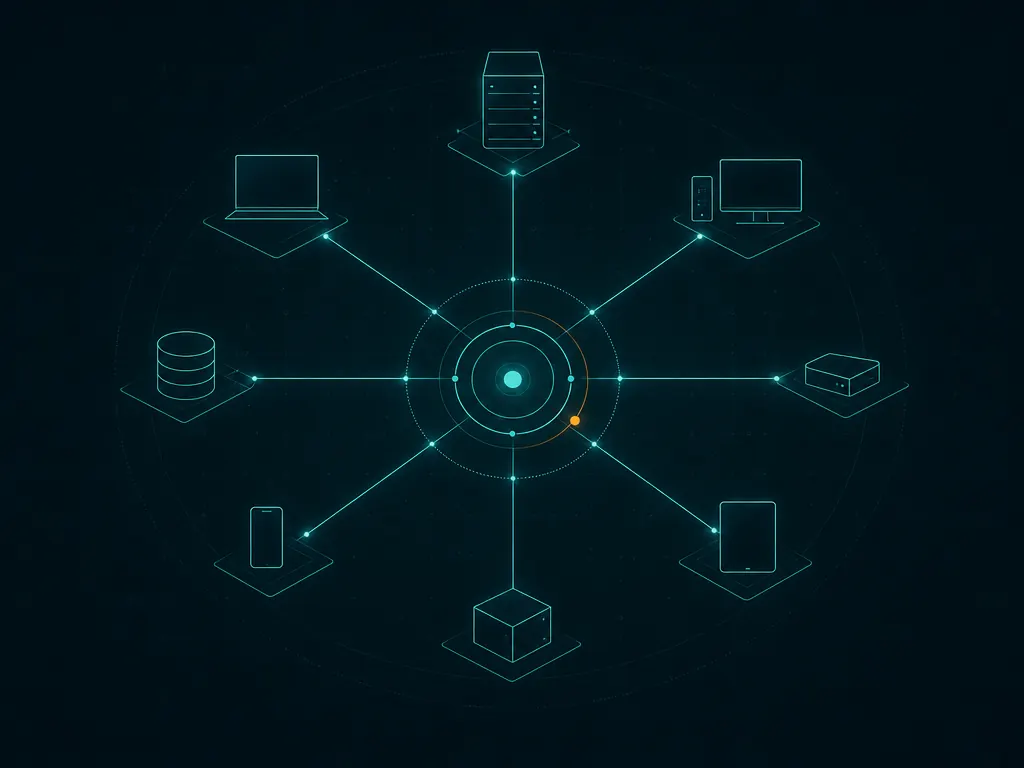
Every MSP onboarding starts with the same awkward question: what is actually on this network? The client’s asset list was current sometime around the last office move, the firewall was replaced by someone who left, and there is a shelf of devices nobody can name. Before you can patch or monitor anything, you need a live picture of the subnet — gathered in an hour, from a laptop, without installing anything permanent. Advanced IP Scanner is built for exactly that sweep on Windows, and it costs nothing. Two things deserve attention before you rely on it: what its installer tries to add alongside the tool, and the fact that Famatech’s real business is Radmin, its paid remote-access product.
Use with authorization only. Scan only your own networks or client networks you manage under a signed agreement that covers discovery and security review. Record that authorization in the client file before the first scan.
What Advanced IP Scanner does
Advanced IP Scanner is a Windows utility from Famatech, a company best known for Radmin, its commercial remote-control software. The scanner is free, and the relationship matters: the tool is partly a delivery vehicle for Radmin, which shapes both its extra features and its installer behaviour.
You give it an IP range — it detects the local subnet and offers it by default — and it sweeps the range with multithreaded pings. For every host that answers it reports the IP, the status, the NetBIOS or domain name where one exists, the MAC address with the hardware vendor looked up, and any shared folders the machine exposes. Right-click menus cover the follow-up actions a technician actually wants on a first visit: open a share, access a machine via Radmin or RDP if it is enabled, wake a machine with Wake-on-LAN, or shut groups of machines down remotely. Results export to HTML, TXT or CSV for the onboarding file.
The executable also runs portably — the installer can simply unpack the scanner without putting it in Add/Remove Programs — which suits a USB key or a scratch folder on a technician laptop.
Where it helps an MSP
The first-visit device count. One sweep of the client subnet, exported to CSV, gives you the raw asset list to reconcile against what the client claims exists. Printers with web interfaces, that unlabelled switch responding on .254, a NAS nobody mentioned: all appear as rows before anyone opens a rack.
MAC vendor as a hint. The hardware-vendor column quietly answers “what is this thing?” more often than you would expect — a row showing a printer vendor or an UPS manufacturer is half identified already.
Wake-on-LAN in the same pass. Machines that sleep through your visit can be woken from the scanner rather than from a separate tool, which is handy when the patching window starts after you leave.
No footprint on site. Portable mode means nothing is installed on the client’s machines and nothing to remove at handover.
Where it falls short — and who should skip it
The installer carries Radmin with it. Famatech bundles its commercial Radmin remote-access component with the scanner and offers to install or launch it during setup. Nothing is hidden, but an inattentive click can leave a remote-access service on a technician machine — or worse, the habit of clicking through installers on client sites. Do a custom install, decline what you do not want, and read the where to get guidance on downloads and installers generally.
Updates are infrequent. Release activity has historically come in bursts, sometimes years apart. Treat the binary you carry as frozen software: it works, but do not expect CVE-driven patching on a schedule you can put in a policy document.
A snapshot, not a system. No scheduling, no history, no alerts, no agent. For a register that stays current as devices come and go, Lansweeper or your RMM’s discovery is the right layer; the scanner is the week-one clipboard.
Windows only, and share-focused. It does not run natively on macOS or Linux, and its depth is NetBIOS-style: shares, names, MACs. For a cross-platform sweep with more per-host detail, Angry IP Scanner does the same job on any OS you carry; for share-permission auditing specifically, LizardSystems Network Scanner goes further and tests read/write access.
Remote actions need rights. Wake-on-LAN works on the local segment, but remote shutdown and Radmin access require appropriate privileges on the target — fine for a domain admin during onboarding, otherwise a dead menu item.
Skip it if your RMM already does subnet discovery on day one, or if your security policy bars freeware with bundled offers from technician machines.
Who it suits
A small, Windows-centric MSP that wants a zero-cost, zero-install first sweep and likes having Wake-on-LAN and share browsing in the same window. Picture a two-tech shop walking into a forty-seat accountancy firm: the scanner runs from a laptop, fifteen minutes later there is a CSV of sixty-one devices, and three of them are shares that should not be world-writable. That CSV becomes the discovery section of the client onboarding checklist.
Licensing and cost
The scanner itself is freeware: free for personal and commercial use, with no feature gate on business use. There is no licence to buy, no per-technician cost, and no support entitlement — the product page offers FAQ-level help. The commercial product in the box is Radmin, licensed separately per machine if you choose to deploy it; the scanner works fully without it. Verify current terms on Famatech’s site before building a practice around them, and note that “free” here means free of charge, not open source — the code is closed, unlike Angry IP Scanner.
How it compares
In our network and asset tools section, Advanced IP Scanner overlaps most with Angry IP Scanner: both sweep ranges and export results. Angry IP is open source and cross-platform; Advanced IP is Windows-only but adds Wake-on-LAN, remote shutdown and native Radmin integration. LizardSystems Network Scanner reads share permissions rather than listing devices. Lansweeper turns discovery into a living inventory, and Wireshark answers packet-level questions none of these touch.
Getting it safely
We host nothing and have no commercial relationship with Famatech. Download only from advanced-ip-scanner.com, typing the address yourself — the tool’s popularity makes it a common target for repackaged downloads on third-party sites, and those bundles are far worse than Radmin. Run a custom installation and untick anything you did not come for. The vendor does not consistently publish checksums on the page, so prefer the portable unpack mode, keep your copy in a known folder, and re-verify the source before each client engagement. Our where to get page covers installer hygiene in more detail.
FAQ
Is Advanced IP Scanner free for commercial MSP use?
Yes — the scanner is freeware with no personal-use-only restriction. The paid product is Radmin, which the installer offers but the scanner does not require.
Is it open source?
No. It is closed-source freeware. For an open-source equivalent, see Angry IP Scanner.
Does it work on macOS or Linux?
No, it is a Windows application. Angry IP Scanner covers the same sweep cross-platform.
Can it replace an inventory system?
No. It is a point-in-time sweep with no scheduling or history. Pair it with Lansweeper or your RMM for a register that stays current.