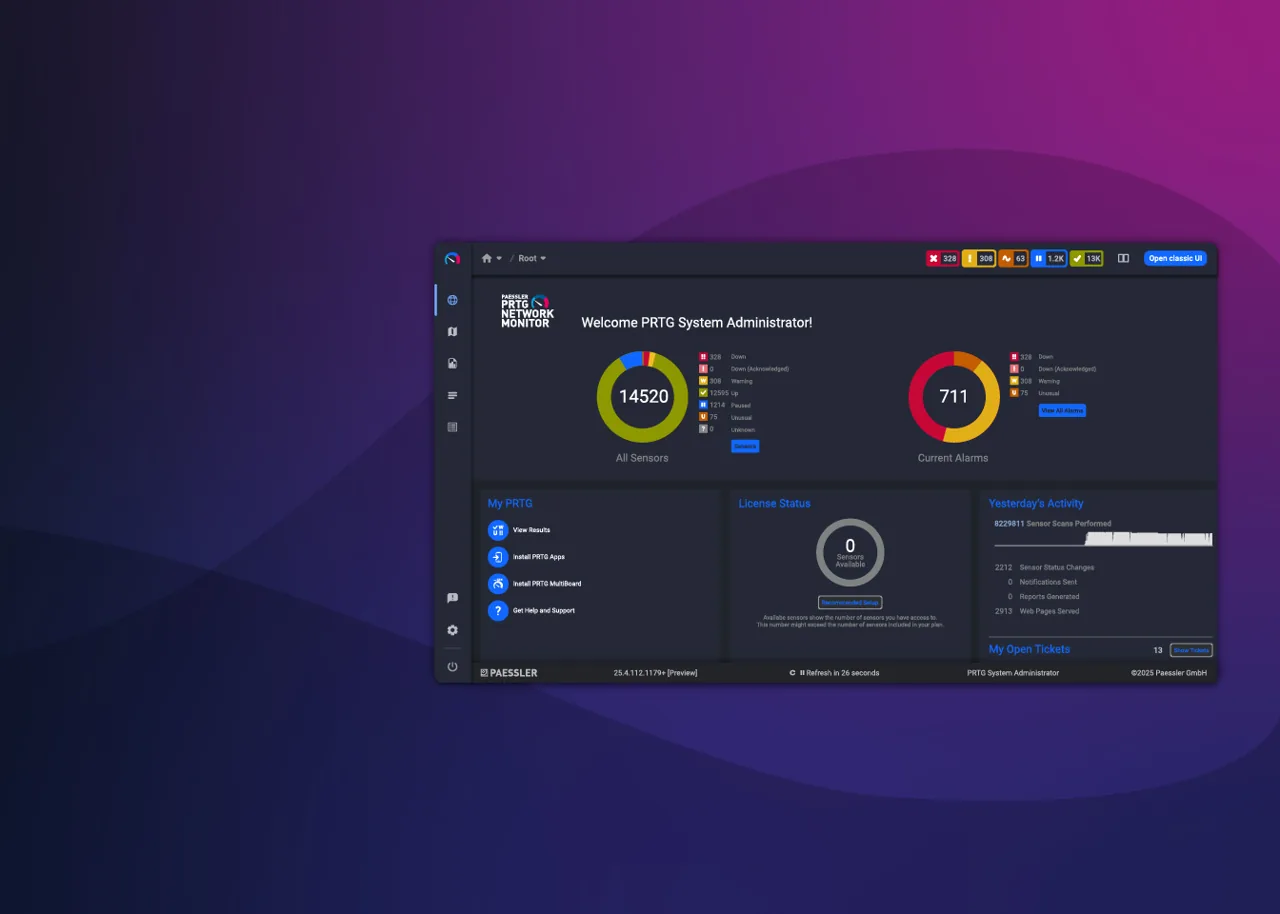
A client’s accounting server slows to a crawl every month-end, and by the time anyone opens a ticket the spike is over. What you need is not a remote session but a history: CPU, disk queue, SQL response time and the WAN link, on one graph, going back weeks. PRTG has been answering that kind of question for a long time, whether you run the core server yourself with remote probes at each client site, or use Paessler’s hosted option and skip managing the server altogether.
What PRTG does
PRTG Network Monitor is Paessler’s commercial monitoring platform. Everything is measured in sensors: one sensor checks one thing, such as ping on a device, traffic on a switch port, remaining capacity on a volume or the response time of a web page. Sensors use SNMP, WMI, SSH, HTTP, flow protocols and many application-specific methods. Data is stored centrally with graphs, thresholds, notifications, maps and scheduled reports.
There are two main ways to run it. With the self-hosted subscription, your team runs the PRTG core server on a Windows machine you control, and remote probes at client sites collect data and send it back over an encrypted connection. With PRTG Hosted Monitor, Paessler hosts the core server and you only deploy probes at the sites you monitor. Both use remote probes, which is how MSPs reach devices behind client firewalls.
Where it earns its keep
Breadth of monitoring. Hundreds of sensor types cover network gear, Windows and Linux servers, virtualization hosts, databases, websites, email and cloud services. Very little in a typical small-business stack cannot be watched.
Historical data for difficult conversations. When a client insists “the internet has been bad for weeks”, graphs of latency and bandwidth over time turn an argument into a discussion. Scheduled PDF or HTML reports can be sent to client contacts.
Remote probes for multi-site clients. A probe at each site collects locally and reports to the core, so you do not open inbound ports at client offices.
Hosted option for small teams. PRTG Hosted Monitor removes the job of patching and backing up your own monitoring server, which matters for a three-person MSP.
Access controls. PRTG supports user groups with permissions on specific parts of the device tree, so technicians or client read-only users see only what they should. Enable MFA where the platform and your identity setup allow, and review our RMM security guide for the wider principles.
Where it falls short — and who should skip it
Not an RMM. PRTG watches; it does not patch, deploy software, run scripts across endpoints or offer remote support sessions. You will still run NinjaOne, Atera or Syncro alongside it.
Multi-tenancy is built by hand. You separate clients with groups, probes and permissions rather than with true tenants. It works, but it takes discipline, and a mistake in permissions can expose one client’s data to another client’s read-only user.
Sensor counts creep up. Auto-discovery is generous and can create many sensors per device. Since licensing is by sensor count, an untuned deployment can outgrow its tier quickly. Plan sensors per client deliberately.
Network topology and config backup are not its focus. For layer 2 maps and configuration diffs on switches and firewalls, Auvik is the more direct tool.
Skip PRTG if you want one agent for monitoring and management, or if the clients you support are small offices where your RMM’s built-in monitoring already answers the questions they ask.
Who it suits
PRTG suits MSPs with clients that run on-premises servers, virtualization and managed network gear, and internal IT teams that need historical performance data and service-level reporting. It works well for a technician who enjoys tuning thresholds and building dashboards. In practice, MSPs that get the most from it tend to sell monitoring as a named service with a monthly report attached, so the effort of building each client’s sensor tree is recovered in the contract rather than absorbed as overhead.
Licensing and cost
PRTG is commercial software licensed by the number of sensors, sold as a subscription in tiers of sensor counts, with PRTG Hosted Monitor offered as a subscription where Paessler runs the core server. Larger organizations can look at Paessler’s enterprise options. We do not quote figures here; check the vendor’s current pricing page, and for MSP use estimate sensors per client before choosing a tier. A trial is available from the vendor.
How it compares
- Auvik is stronger for topology maps and network device configuration backup.
- Lansweeper focuses on inventory and discovery rather than live performance.
- RMM platforms include basic monitoring; see NinjaOne vs Atera for how far that goes.
- The Network & Asset Tools for MSPs category compares them, scored per our methodology.
Getting it safely
Start from Paessler’s own site, whether you choose PRTG Hosted Monitor or the self-hosted subscription. Run probes on dedicated, patched machines at each client site, verify the digital signature of any package before running it, and use read-only SNMP and monitoring accounts. Our where to get page covers signature and hash checks.
FAQ
What is a sensor in PRTG?
One monitored metric on one device, such as ping, a port’s traffic or a volume’s remaining capacity. Licensing is based on the total number of sensors.
What is PRTG Hosted Monitor?
Paessler’s hosted version, where the vendor runs the core server and you deploy remote probes at the sites you monitor.
Can clients see their own dashboards?
Yes, with read-only users restricted to their part of the device tree. Test permissions carefully before sharing access.
Does PRTG patch servers?
No. It monitors them. Patching belongs to your RMM or a dedicated tool such as Action1.